
Optional Video Profile
A short video you can record in your application, about two minutes long. It's optional, and not sending one won't disadvantage your application.
We strongly encourage one if English isn't your first language, or if English isn't the main language of instruction at your school.
What it's for
It's one more place to tell the selection committee something the rest of your application didn't fully cover: some context, a personal reflection, or anything else you'd like them to consider.
It doesn't need to be rehearsed, polished or edited. A phone camera is fine, and we don't judge production quality.
What to leave out
For a video you record in the application to be considered, please don't:
- read from a prepared script or notes
- repeat a topic from your short responses
- play a musical instrument or show an extracurricular skill
- include anyone else in the recording
Where to record it
In the application, on the Optional Video Profile page. It comes after Your Plan and Costs and before Certification.
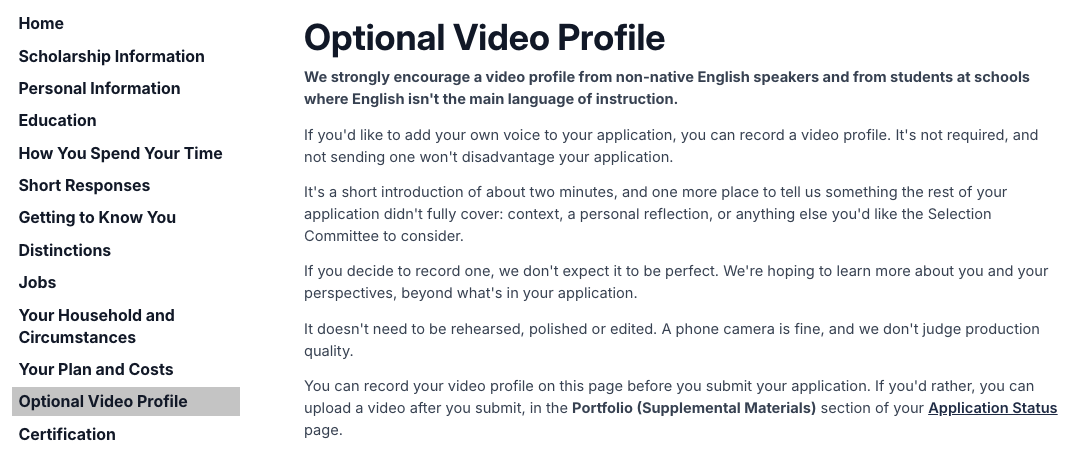
You can record on a computer or a phone that has a camera and a microphone, in Chrome, Edge, Firefox or Safari. You'll need a steady internet connection for the upload.
How to record it
- Select Start test. A short test recording checks your camera and microphone. It stays on your device, and we don't receive it.
- Play the test back and check that you can see and hear yourself. Tick I've tested this and I'm ready to record. and select Ready.
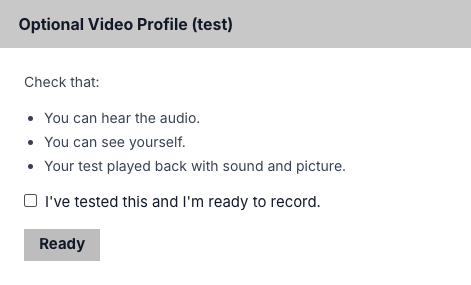
After the test recording.Screenshot of the applicant portal. - On the next screen, select Ready again. The question appears only now, and this counts as one attempt.
- You have 20 seconds to get ready, or you can select Start recording sooner. Then you have up to 2 minutes 30 seconds to record, or you can select Stop recording sooner.
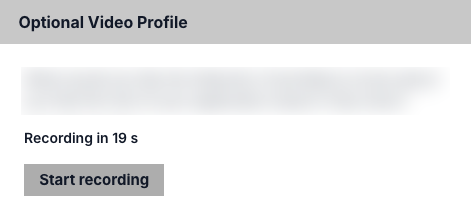
The countdown before recording starts.Screenshot of the applicant portal, with the question blurred. - Your video uploads. When it's done, the page says We've received your video. and shows a player, so you can watch it back.
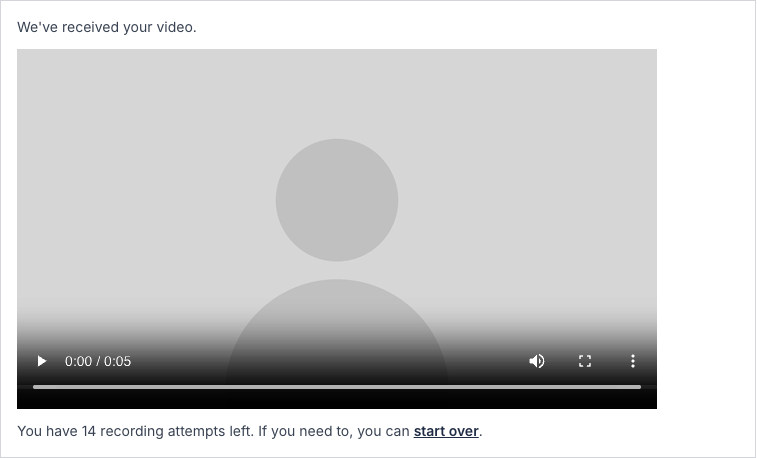
After your video has uploaded.Screenshot of the applicant portal, with the camera picture replaced.
Recording again
You have 15 attempts, and we only see your last recording.
To record again, select start over under your video. It asks you to type CONFIRM, then deletes the video you have. Attempts you've used don't come back.
If you've already submitted
You can record until you submit your application. After that, you can upload a video instead, in the Portfolio (Supplemental Materials) section of your Application Status page.